Calendar Sources Settings
Philosophy
Manage where your events come from. Full Calendar can aggregate data from your local vault, external cloud providers, and other Obsidian plugins into a single unified view.
Source Management
Access these settings in Full Calendar Settings → Calendar Sources.
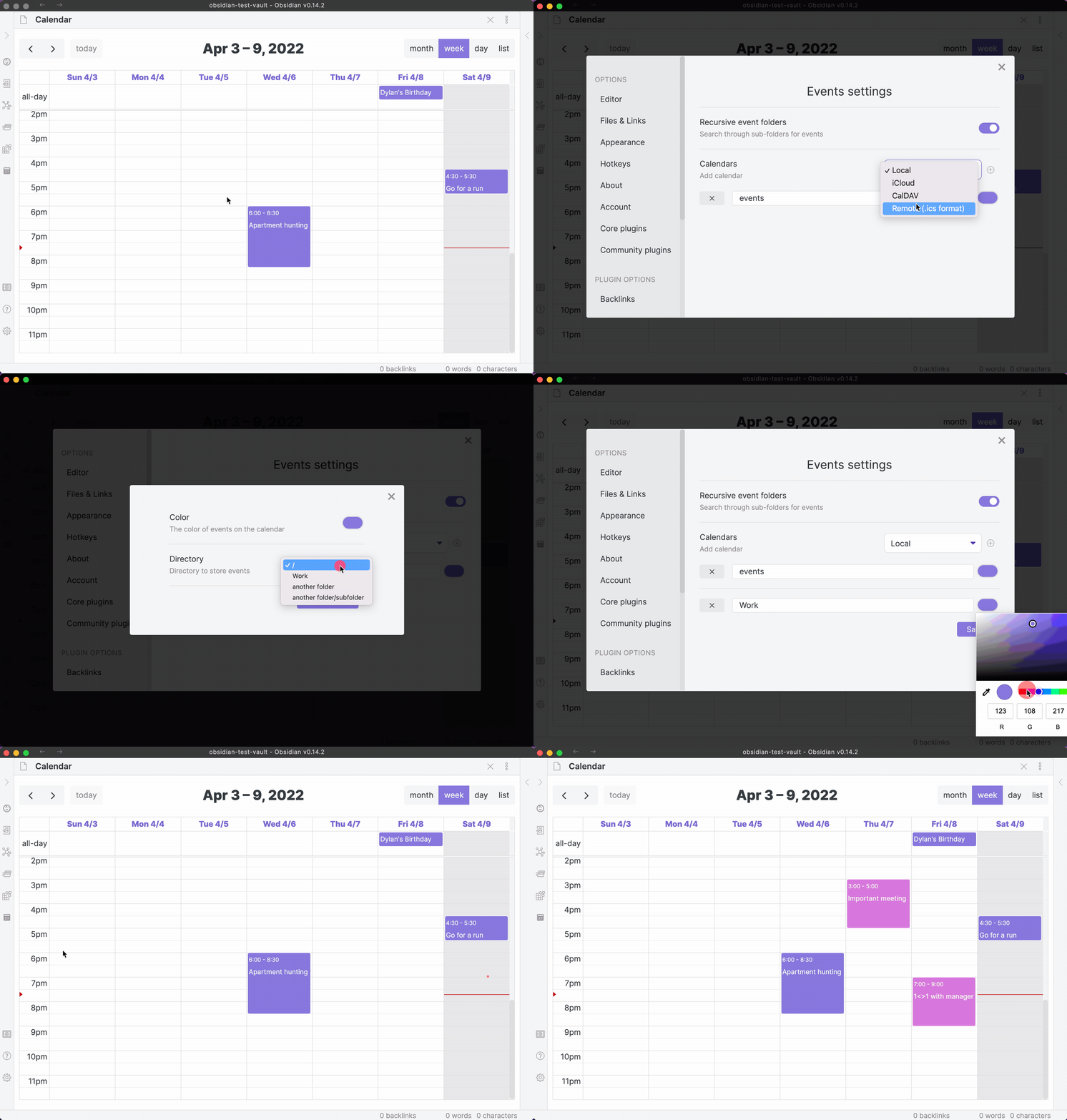
Local Vault Sources
- Full Note Calendar: Point this to a folder in your vault. Every
.mdfile in this folder with appropriate frontmatter becomes an event. See: Full Note Calendar Guide. - Daily Note Calendar: Link to your Daily Notes folder. When adding the source, choose the heading to write under and the timed-event write format (
DefaultorDayPlanner Format). Parsing supports both formats automatically. See: Daily Note Calendar Guide.
Remote Cloud Sources
- Google Calendar:
- Standard Setup: Connect using the built-in OAuth flow.
- Custom Client: Enable
Use custom Google clientto provide your ownClient IDandClient Secretfor increased privacy or rate-limit control.
- CalDAV: Connect to iCloud, Nextcloud, or Fastmail. See: CalDAV Setup.
- CalDAV Tasks: Connect a VTODO task/reminder collection, including iCloud Reminders. See: CalDAV Tasks.
- ICS (Remote/Local):
- Remote: Provide a public or secret
.icsURL. - Local: Provide a path to a
.icsfile stored within your Obsidian vault. See: ICS Guide.
- Remote: Provide a public or secret
Plugin Integrations
- Tasks Plugin: Enable to pull tasks into your calendar. See: Tasks Integration.
- Date Mapping: Choose which task date to use:
Scheduled,Due, orStart. - Backlog Behavior: Enable
Open edit modal after backlog dropto immediately refine tasks dragged onto the calendar.
- Date Mapping: Choose which task date to use:
- TaskNotes Plugin: Enable to sync scheduled TaskNotes tasks into your calendar. See: TaskNotes Integration.
- NLP Endpoint Mode: Configure whether NLP creation opens
Search + Create(default) orDirect Create. - Integration Visibility: TaskNotes Integration always appears in Settings → Integrations and will prompt you to add a TaskNotes source if one is missing.
- NLP Endpoint Mode: Configure whether NLP creation opens
- ActivityWatch: Sync your system activity as background events. See: ActivityWatch Integration.
- API URL: Defaults to
http://127.0.0.1:5600. - Sync Strategy: Choose
AutoorCustomdate ranges. - Profiles: Create matching rules to categorize raw ActivityWatch data into meaningful calendar events.
- API URL: Defaults to
Global Source Settings
-
Default Calendar: Choose which calendar is selected by default when creating a new event via the UI or FCR Command. Only calendars that accept new events are listed. Individual Workspaces can override this; leave it on First available calendar to keep the previous behavior of selecting the first writable source.
Falls back automatically
If the chosen calendar is later deleted, becomes read-only, or is hidden by the active workspace, the plugin falls back to the workspace default, then the global default, then the first writable calendar the active workspace can display. This applies to events created from the calendar UI and from FCR Commands alike.
- Linked Note Link Strategy:
Name-based: Reuse or create the exact sanitized event-title file in the configured linked-notes folder. Existing matching files keep their body and unrelated properties; no collision suffix is added.Deadline-based: Keep separate notes for dated recurring occurrences, using occurrence identity and collision-safe filenames.- Revalidate Remote Calendars: Manually trigger a refresh of all external feeds.
- Reset Event Cache: A deep reload that forces the plugin to re-read all data from all sources. See Data Integrity.
Display and Behavior · Advanced Categorization · Back to Index